Why buttons alone do not sell
A button only works when visitors understand why they should click it. If the benefit, trust and next step remain unclear beforehand, even an eye-catching call to action will not help much.
Good CTAs are therefore part of the page structure. They sit where a decision naturally arises and pick up on the content of the section they belong to.
Where a call to action makes sense
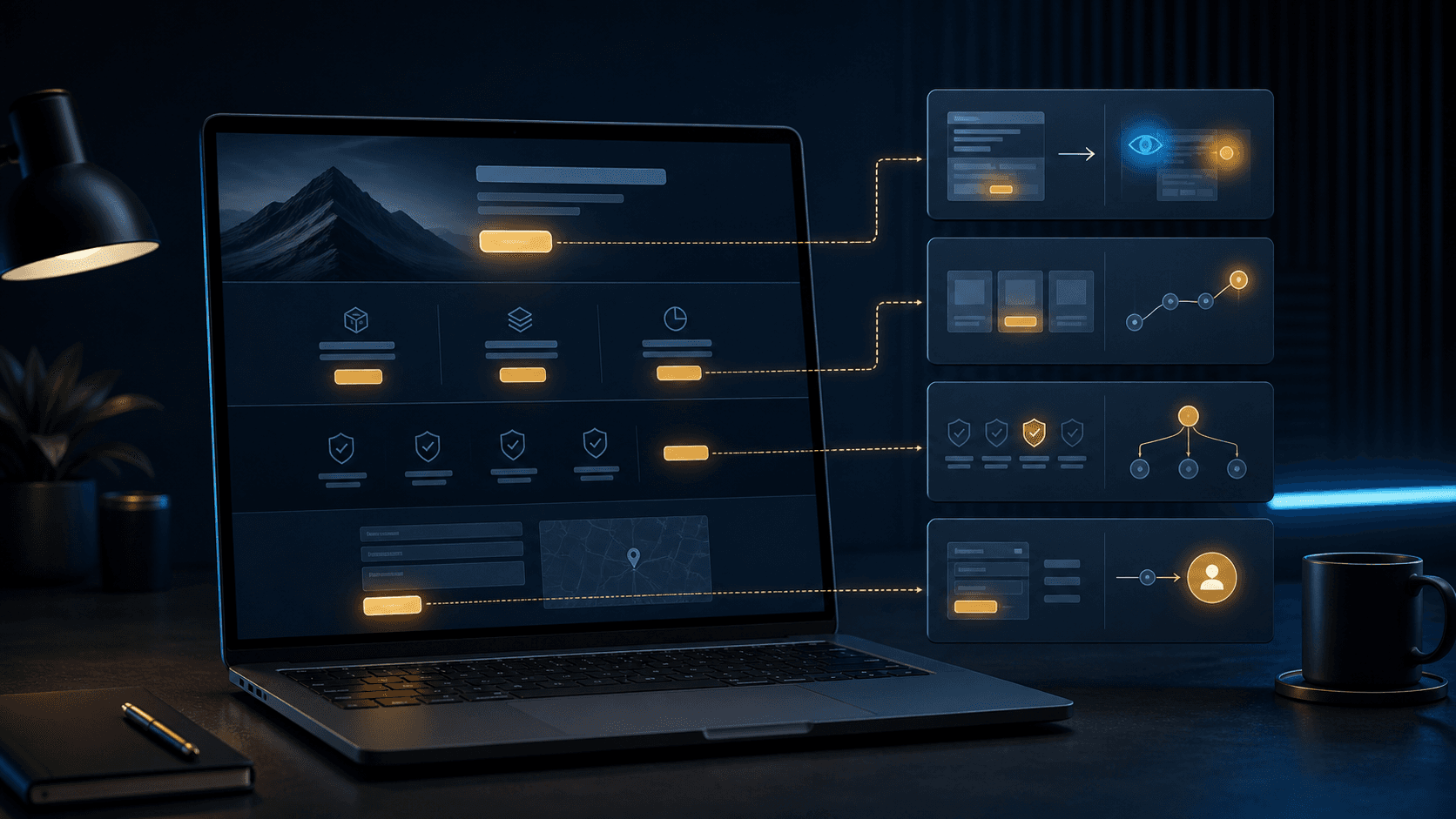
The first CTA usually belongs in the hero area so that the next step is visible straight away. After that, it should be repeated at points where visitors have gathered enough context: after the services, after trust signals, after the FAQ or before the contact section.
It is important that the repetition does not feel random. Every button should fit the situation rather than simply filling the same space.
- In the hero area for quick orientation
- After service sections for specific enquiries
- After testimonials or benefits as the next step
- At the end of the page with a clear way to get in touch
Which button texts work better
A button should say clearly what will happen. Generic texts such as Learn more can be useful, but they are often weaker than specific wording such as Start enquiry, Book an appointment or View offer.
The text should also fit the offer. A consulting page often needs a different next step than a studio website or an online shop.
- Name the specific action
- Do not create false expectations
- Keep it short and understandable
- Clearly distinguish the primary action from secondary actions
Which mistakes weaken CTAs
Many websites have either too few or too many buttons. If the CTA is missing, visitors do not know what to do next. If there are too many different actions, the page feels restless and the priority gets lost.
Design matters too. Buttons need to be visible, but they should not dominate everything. Colour, spacing and size should mark the next step without crowding out the content.
- Several primary actions side by side
- Buttons without explanatory context
- Contrast that is too weak on dark or light backgrounds
- Contact button only at the very end of the page
How Digital Vision plans CTAs
Digital Vision plans CTAs based on the user journey. First, we clarify which action the page should trigger and what information visitors need beforehand.
Then button texts, placement and visual weighting are coordinated so that the website guides visitors clearly while still looking high-quality.