Why images do more than decorate
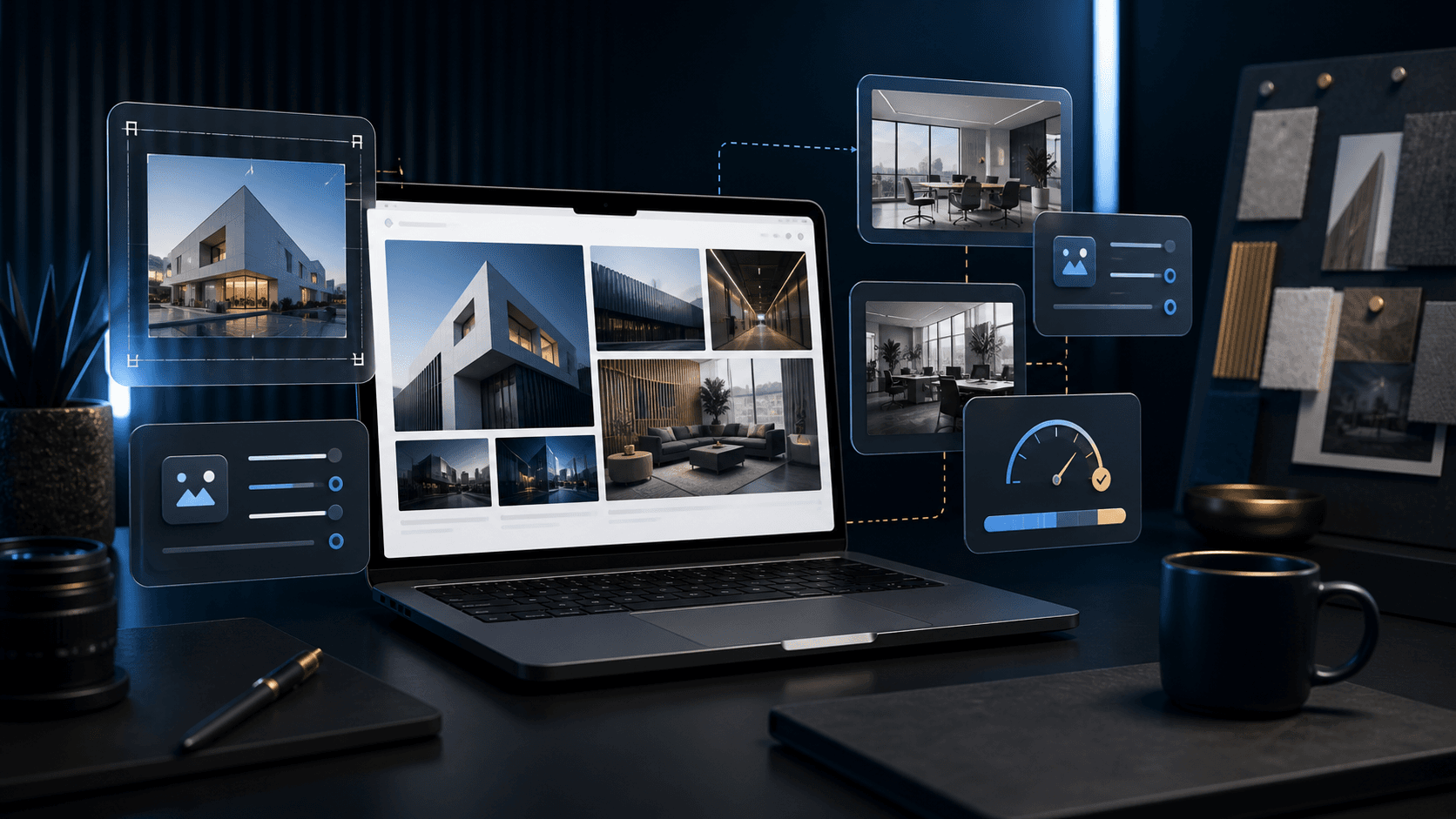
Images have a strong influence on how professional a website appears. They show atmosphere, quality, people, spaces, products or results and help visitors place an offer more quickly.
Good images support the content. Poor or arbitrary images, on the other hand, make a website interchangeable, even if the design is high-quality.
Which images belong on a website
The most effective images are those with a genuine connection to the company. Premises, work situations, results, products or details create more trust than generic stock photos.
If no images of your own are available, you should decide deliberately which visual language suits the offer and which subjects should be avoided.
- Real premises, products or results
- Team or work photos, if they look professional
- Detail shots for atmosphere and quality
- Reference images matching the respective service
Why image formats should be planned early
An image that looks good in landscape format does not automatically work as a mobile portrait or a small thumbnail. That is why important image areas should be considered early in the layout.
Hero images in particular need enough margin so that text, cropping and mobile display work cleanly. Subjects framed too tightly quickly lead to cut-off heads, products or important details.
- Choose hero images with enough margin
- Check square thumbnails separately
- Test mobile crops
- Do not place key subjects too close to the edge
How images affect loading time
Large image files are among the most common reasons for slow websites. A high-quality image does not need to be several megabytes in size if it is compressed appropriately and delivered in the right format.
The key is the balance between quality and performance. Images should look crisp, but they should not slow down the page unnecessarily.
- Choose an image size that matches where it is used
- Compress files
- Add meaningful alt texts
- Avoid unnecessary image variants
How Digital Vision prepares image material
Digital Vision plans image areas together with structure and design. This makes it clear early on which subjects are needed, which formats make sense and where your own images make the biggest difference.
Before launch, cropping, quality, file size and mobile impact are checked so that images look professional and remain technically clean.