Why navigation is more than a menu
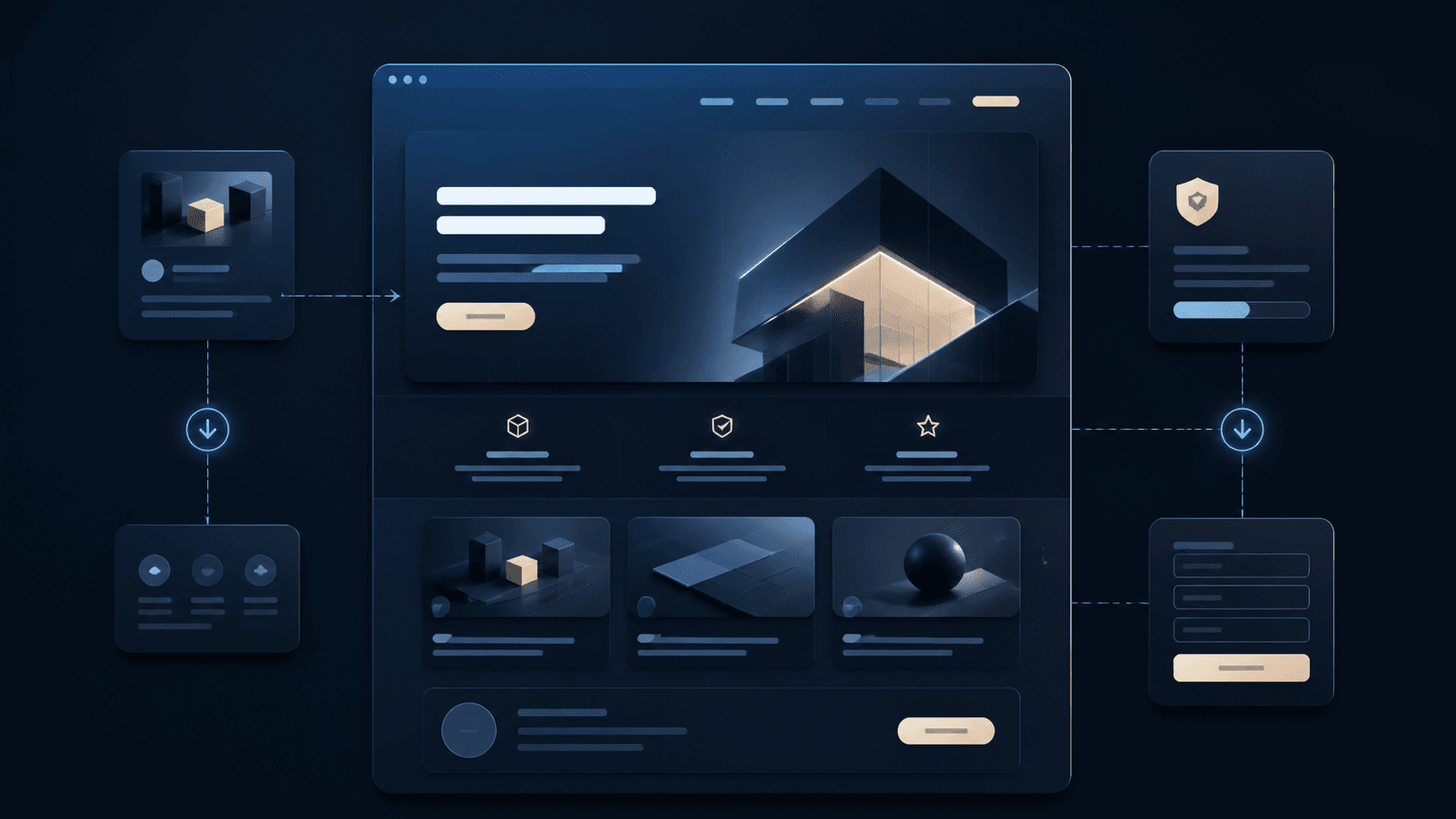
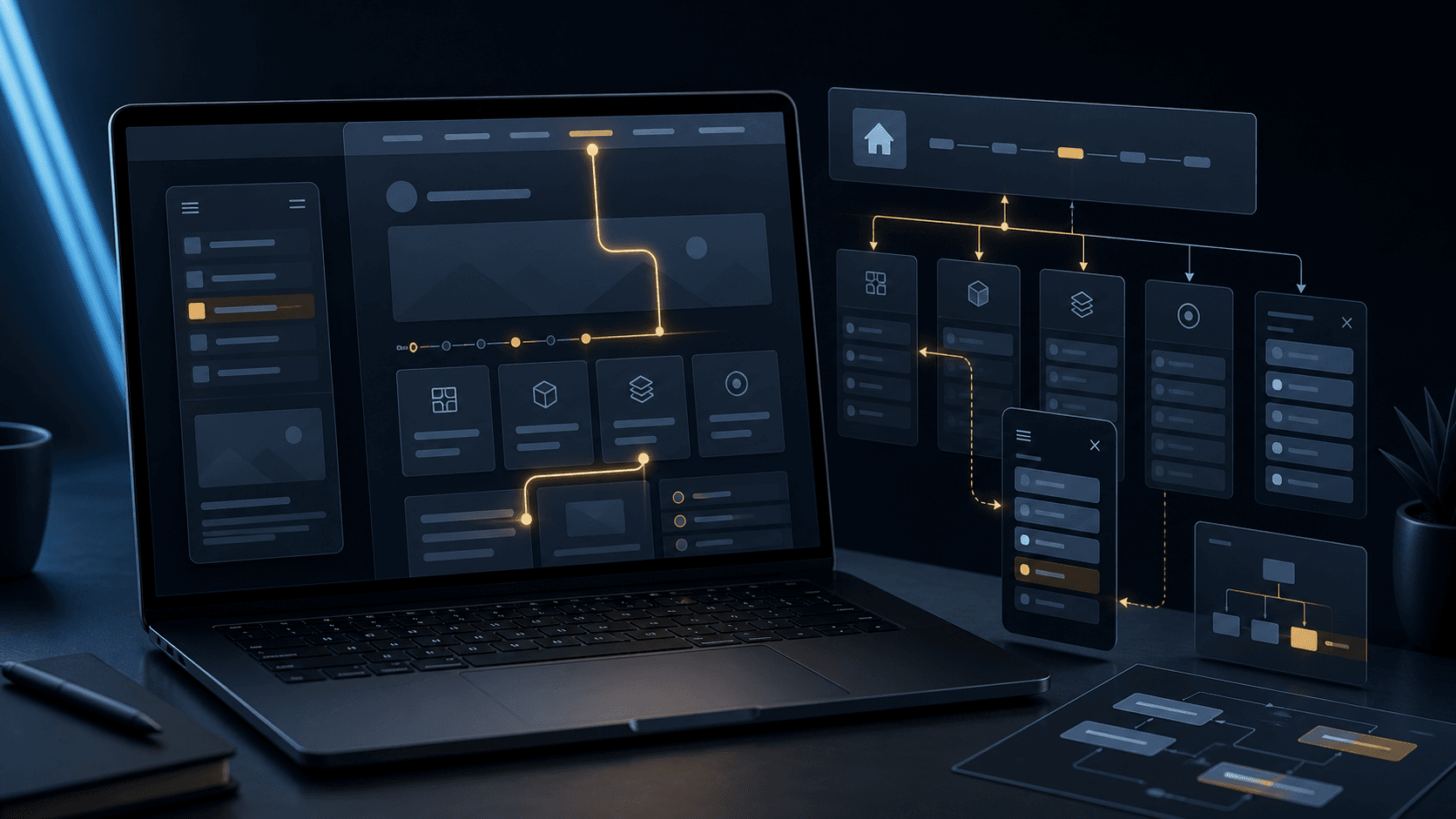
Navigation determines how quickly visitors understand what a website offers. It is not just a list of links but an orientation system for services, trust, information and contact.
If menu items are unclear or too extensive, visitors have to guess. That costs attention and can mean that important content is never found.
Which menu items are really needed
Good navigation shows the most important areas without making every sub-item visible. Home, Services, Projects, Process, Pricing, Blog and Contact can make sense if they suit the website.
Not every website needs the same structure. A medical practice has different priorities from a studio, a consulting offer or an online shop.
- Name services clearly and understandably
- Always make contact or enquiry easy to reach
- Do not force secondary content into the main navigation
- Order menu items by user interest rather than internal structure
Why terminology is so important
Creative terms can seem interesting, but they help little if visitors do not immediately understand what lies behind them. Navigation should not need explaining; it should provide direct orientation.
Clarity is especially worthwhile for services. A menu item like Services is often stronger than an abstract term when visitors are specifically looking for offers.
- Use short terms
- Avoid jargon
- Do not name the same topics differently in several places
- Align the wording of buttons and menu items
How mobile navigation works differently
Space is limited on a smartphone. That is why mobile navigation should not simply adopt all the desktop menu items if important actions disappear as a result.
A good mobile menu shows clear main paths and makes contact, enquiry or booking quick to reach. Too many levels and long lists quickly feel cumbersome on small screens.
- Short menus with a clear order
- Contact button visible in the menu
- No overly deep submenus
- Make touch targets large enough
How Digital Vision plans navigation
Digital Vision plans navigation starting from the goal of the website. The first step is to clarify which content visitors really need and which action should come at the end.
This produces a structure that is quickly understandable on both desktop and mobile and guides visitors to the right next step without detours.