Why the launch is not the end
After launch, almost every business keeps changing. Services are added, prices change, images get old or contact paths no longer fit. If the website does not keep up, it quickly looks outdated.
Regular maintenance ensures that visitors find current information and perceive the business as professional.
What should be checked regularly
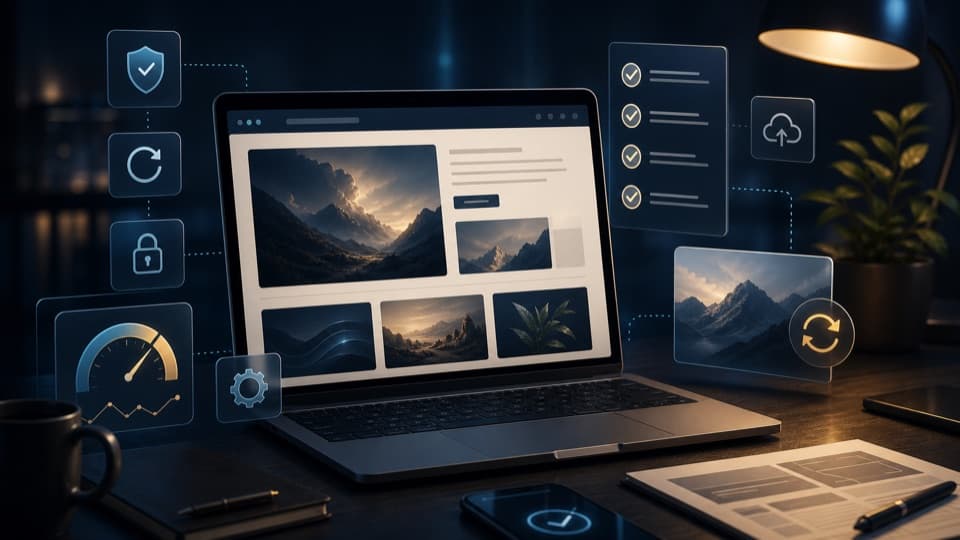
Not every website needs new content every week. Still, the most important areas should be checked: forms, loading times, texts, images, links and mandatory legal pages.
Small errors in particular often go unnoticed internally, but can cost enquiries.
- Test contact forms
- Update services and opening hours
- Refresh images and references
- Check technical updates and loading times
Which maintenance is forgotten most often
Often only the visible texts are updated, while technical and functional points are left behind. Yet forms, redirects, loading times, image sizes and mobile views in particular are decisive for whether a website works reliably.
Old references, outdated team details or offers that no longer fit also weaken the impression. Maintenance therefore means not only technology, but also currency and trust.
- Test contact forms and notifications regularly
- Remove outdated services, prices and team details
- Compress images and check the mobile display
- Add new projects or examples
How website maintenance stays plannable
Maintenance works best when it does not happen randomly. A short cycle in which important areas are checked makes sense: contact paths, services, images, technical function and visible currency.
This way, no major construction sites arise, but small, regular improvements. The website stays understandable, up to date and technically clean, without a complete relaunch being necessary every time.
- Check forms and contact paths monthly
- Review content and images quarterly
- Test the mobile display after every change
- Add new services or references straight away
How ongoing support can take the load off
Many businesses want to use their website, but not constantly look after it technically. Ongoing support takes this work off their hands and keeps the presence clean.
Digital Vision can accompany content, technology and extensions so that the website remains usable in the long term.