When an admin area makes sense
Not every website needs an admin area. If content is rarely changed, a lean technical solution is often sufficient. But as soon as services, images, blog articles, enquiries or appointments are maintained regularly, a dedicated area can save a lot of work.
The advantage is not only being able to change content yourself. A good admin area makes workflows transparent and reduces dependence on individual people or manual lists.
Which content should be managed
An admin area should only contain the sections that are actually needed in day-to-day work. The more fields and menu items are created, the harder maintenance becomes.
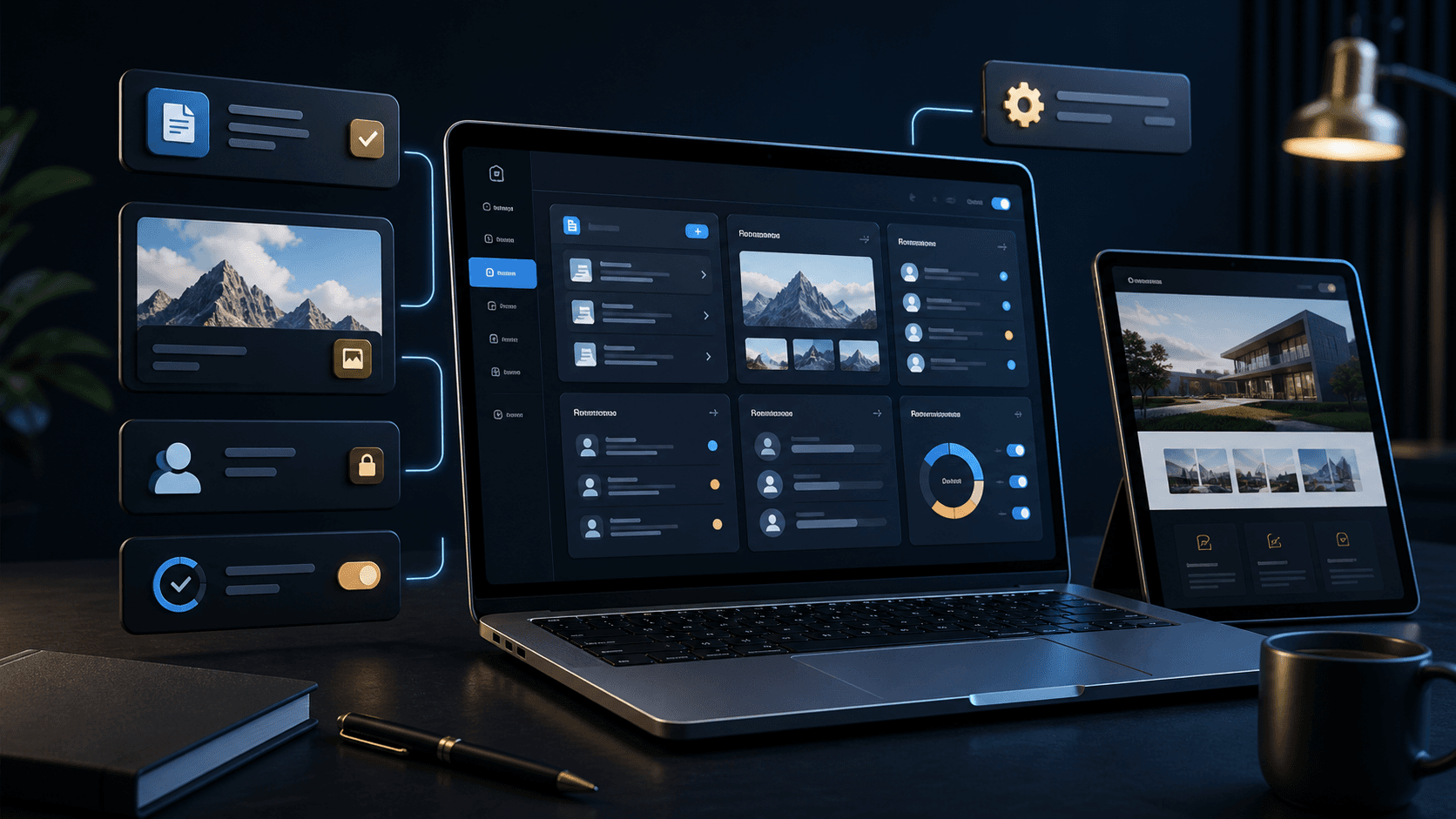
Typical content includes services, references, images, blog articles, team details, prices, enquiries or simple status lists. What matters is that every input has a clear purpose.
- Services, images and references
- Blog articles or news
- Contact enquiries and project status
- Appointments, availability or simple processes
Why simplicity matters more than the number of features
Many systems fail not because they can do too little, but because they are too complicated in everyday use. If users have to fill in too many required fields or do not know which action is safe, the system is avoided.
A good admin area shows only relevant options, explains states clearly and makes frequent tasks quick to reach. Extensions can be added later when real requirements emerge.
- Clear navigation instead of too many menu items
- Required fields only where they are necessary
- Preview before publishing
- Statuses for draft, review and published
Which roles and permissions should be considered
If several people work with the system, roles should be planned early. Not everyone needs to be able to edit, delete or publish everything.
Clear permissions protect content and make responsibilities visible. This is especially important for enquiries, customer data or sensitive workflows.
- Editor role for content
- Admin rights for settings
- Read-only access for internal overviews
- Sensitive data only for authorised people
How Digital Vision builds admin areas
Digital Vision plans admin areas based on real day-to-day work. First, we clarify what needs to be maintained, who will work with it and which workflows recur regularly.
The result is a clear system that fits the website and does not create more complexity than necessary. The goal is an admin area that gets used because it is understandable and helpful.