When Excel is no longer enough
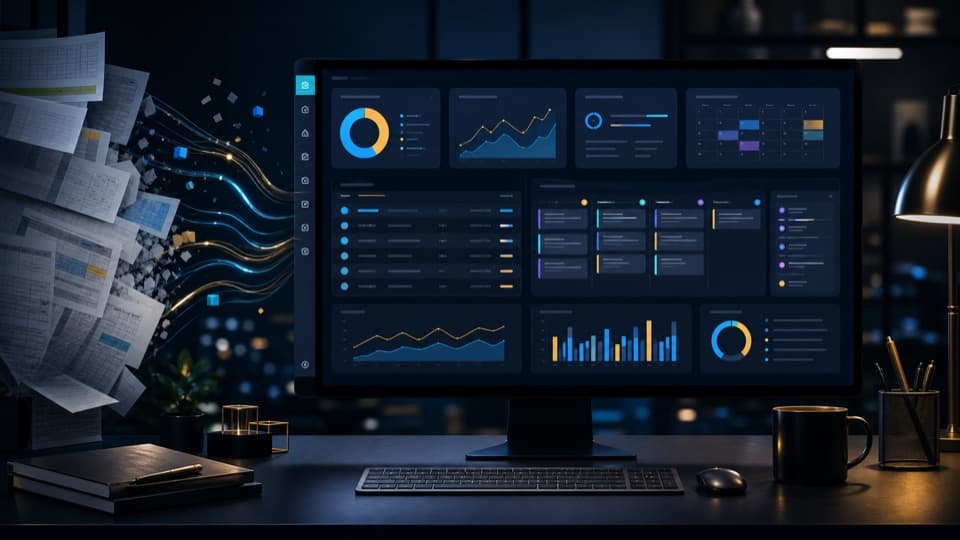
Spreadsheets are practical to start with. As soon as several people, many enquiries or recurring processes are involved, errors quickly appear: duplicate data, outdated versions and unclear responsibilities.
An admin system is particularly worthwhile when information should be available centrally and work steps recur regularly.
Typical use cases
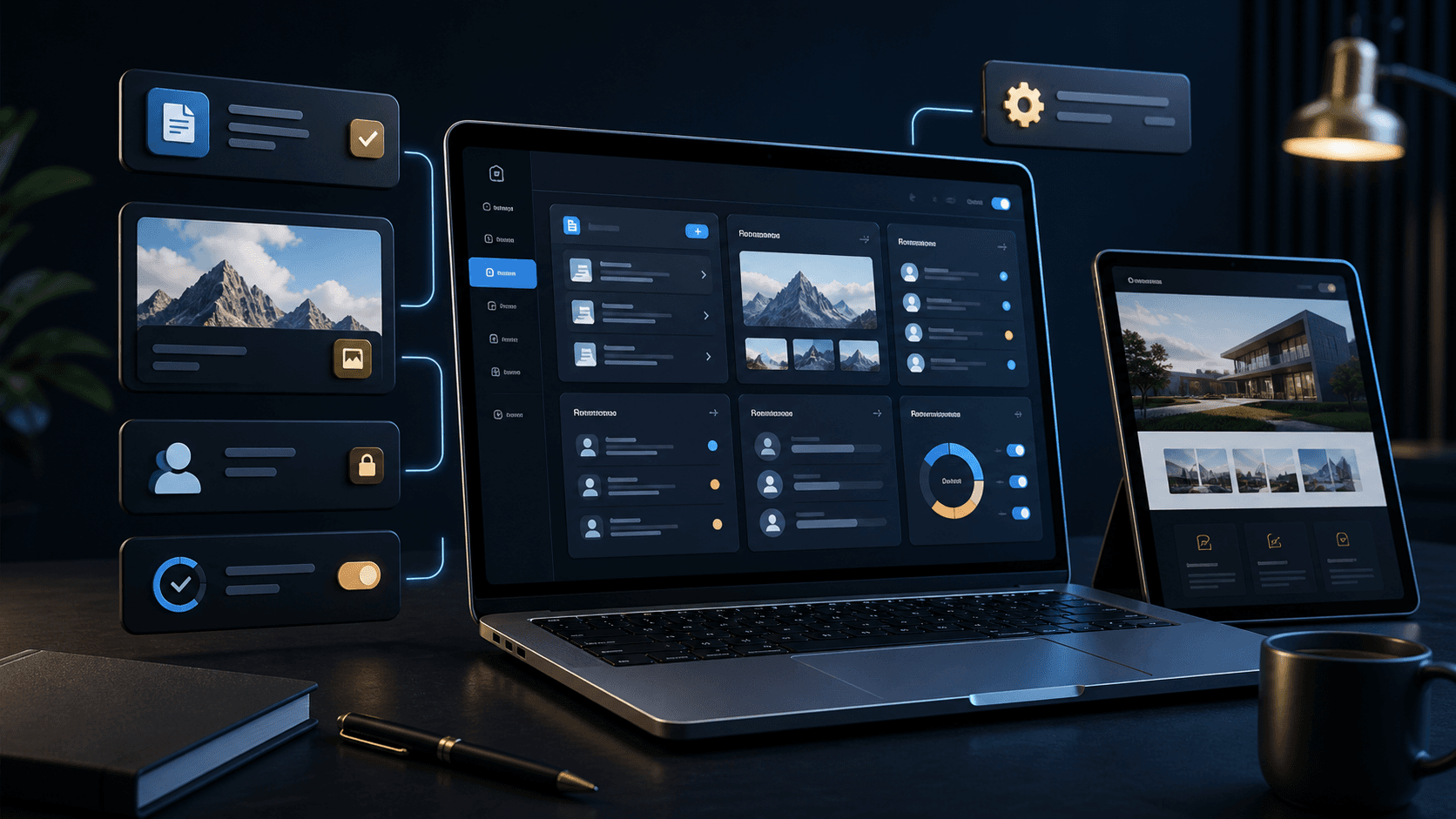
A custom dashboard can manage customer enquiries, appointments, services, products, project status or internal tasks. What matters is not the number of features, but the fit with real everyday work.
A good system takes work off your hands instead of creating new complexity.
- Capture and process enquiries centrally
- Manage content or offers yourself
- Make appointments, status and tasks visible
- Automate recurring steps
How to recognise a good dashboard
A good dashboard does not show everything that is technically possible, but exactly what is needed in everyday work. The most important information is at the top, recurring tasks are quick to reach and states are clearly recognisable.
If employees have to search for a long time or maintain too many fields, the system will not be used. That is why a dashboard should start lean and later be extended where real working time is being lost.
- Important figures and new entries visible immediately
- Clear status logic instead of cluttered lists
- Short paths for recurring tasks
- Extendable, but not overloaded
Which data does not belong in the system
A system does not get better just because it has more fields. Too many inputs slow down work and lead to important data being maintained incompletely. That is why it should be decided before implementation which information is really needed.
Anything that nobody evaluates, edits or needs for a decision should not be at the centre. A good admin system makes everyday work easier and does not force teams into unnecessary maintenance work.
- No fields without a clear benefit
- No duplicate entries from several sources
- No processes that only seem sensible on paper
- No overviews that nobody uses regularly
Why custom systems are often a better fit
Standard tools can do a lot, but are often overloaded. A custom admin system concentrates on exactly the features the business really needs.
This results in less distraction, better acceptance in the team and a clean process from intake to evaluation.