Why forms alone are not enough
A contact form is only the entrance. If enquiries then get lost in emails, are answered several times or nobody knows their status, unnecessary effort is created.
A clean digital workflow makes visible which enquiry is new, who is responsible and what needs to happen next.
Which information really matters
The longer a form is, the more likely visitors are to abandon it. Still, a business needs enough information to respond meaningfully. Good forms strike this balance.
Instead of asking for everything, only the most important details should be collected: the request, a way to get in touch, the timeframe and relevant details about the project.
- Short fields with clear labels
- Selection options for typical requests
- Automatic confirmation after submission
- Internal overview of new and processed enquiries
How an enquiry becomes a clean process
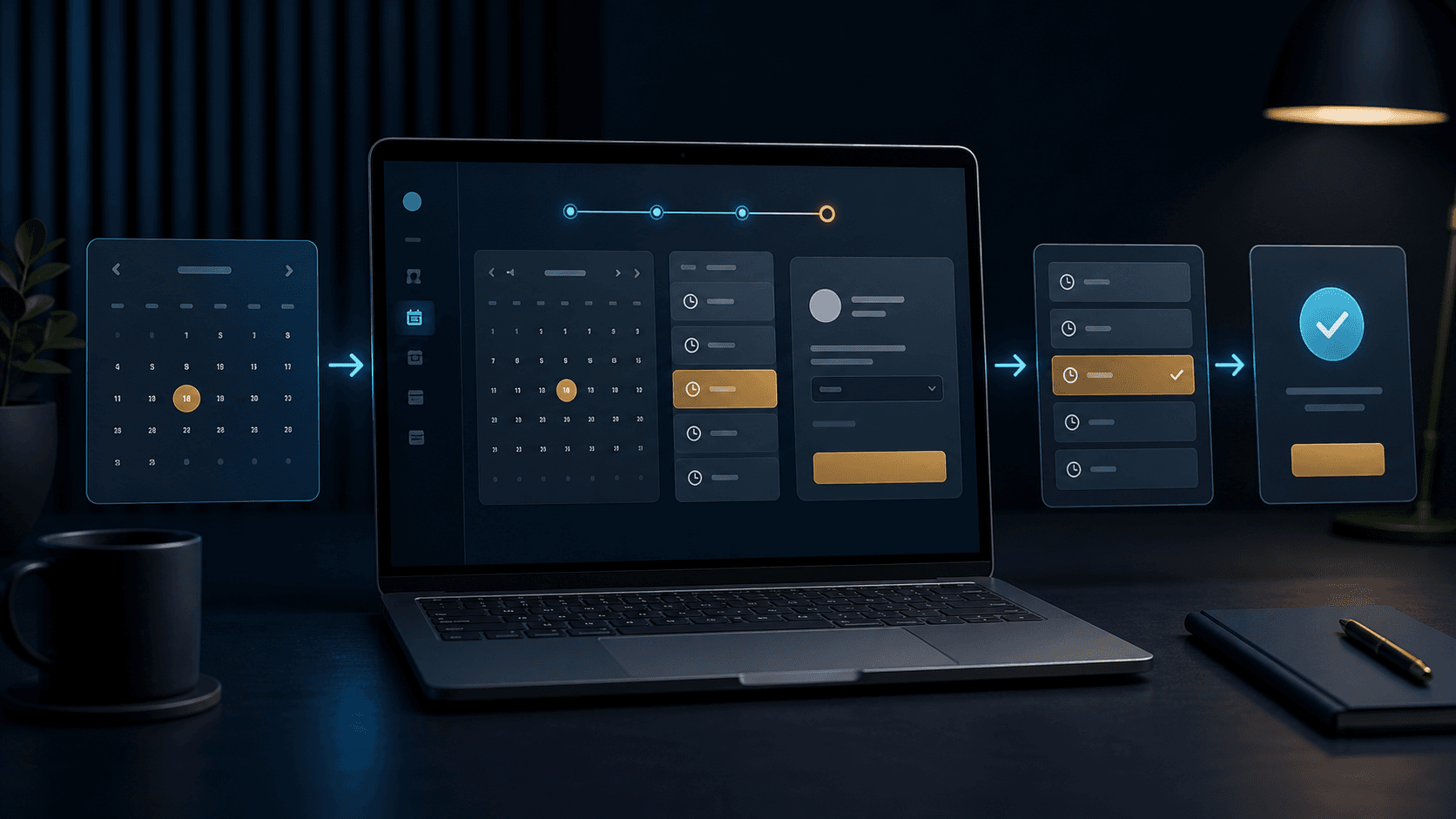
After submission, it should be clear what happens automatically and what needs to be handled internally. A good solution sends a confirmation, informs the right person and files the enquiry so that it remains traceable later.
The workflow gets even better when enquiries can be sorted by topic, urgency or status. Then the team immediately sees what is new, what has been answered and where a response is still missing.
- Automatic confirmation to the customer
- Internal notification to the right person
- Statuses such as new, in progress or done
- Clean filing for later follow-up questions
Which everyday mistakes cost time
Many businesses do not lose an enquiry because the form looks bad, but because the internal workflow afterwards is messy. A message lands in the wrong inbox, is not flagged, or nobody knows whether it has already been answered.
It becomes particularly problematic when several people work with customer enquiries at the same time. Without status, responsibility and history, you get duplicate replies, long response times and avoidable follow-up questions.
- Enquiries are only forwarded by email
- There is no processing status
- Responsibilities are not clearly visible
- Important customer data has to be searched for repeatedly
From form to small system
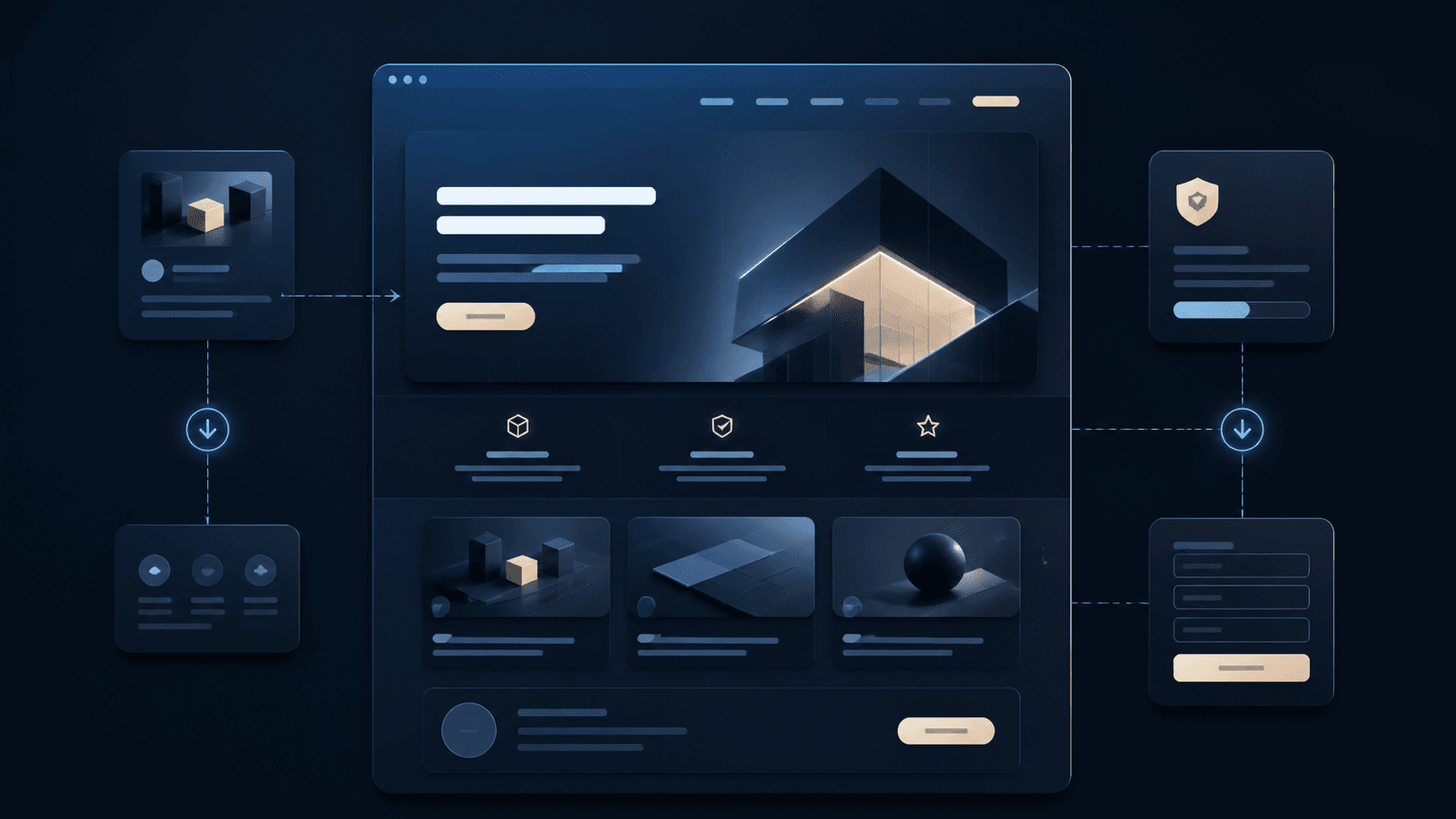
Depending on your needs, a website can grow into a simple enquiry system. There, contacts are collected, sorted and processed further.
For studios, practices, service providers and consultancies, this can make everyday work considerably easier, because website and administration work together.