When online appointment booking makes sense
Appointment booking is particularly worthwhile when visitors can select clearly defined services and book a suitable time slot directly. This is often the case for studios, medical practices, consultancies or local service providers.
If every project first needs to be discussed individually, an enquiry form is often the better choice. The right solution depends on how predictable the service is.
Which information needs to be clear before booking
Before visitors book an appointment, they need orientation. Which service is being booked? How long does it take? Are there prerequisites, prices or notes to be aware of? Without this information, follow-up questions or incorrect bookings are the result.
The booking feature should therefore not stand in isolation. It needs explanatory content and clear selection options.
- Name the service or appointment type clearly
- Show the duration and any relevant notes
- Keep availability realistic and up to date
- Offer a contact option for follow-up questions
How a good booking process is structured
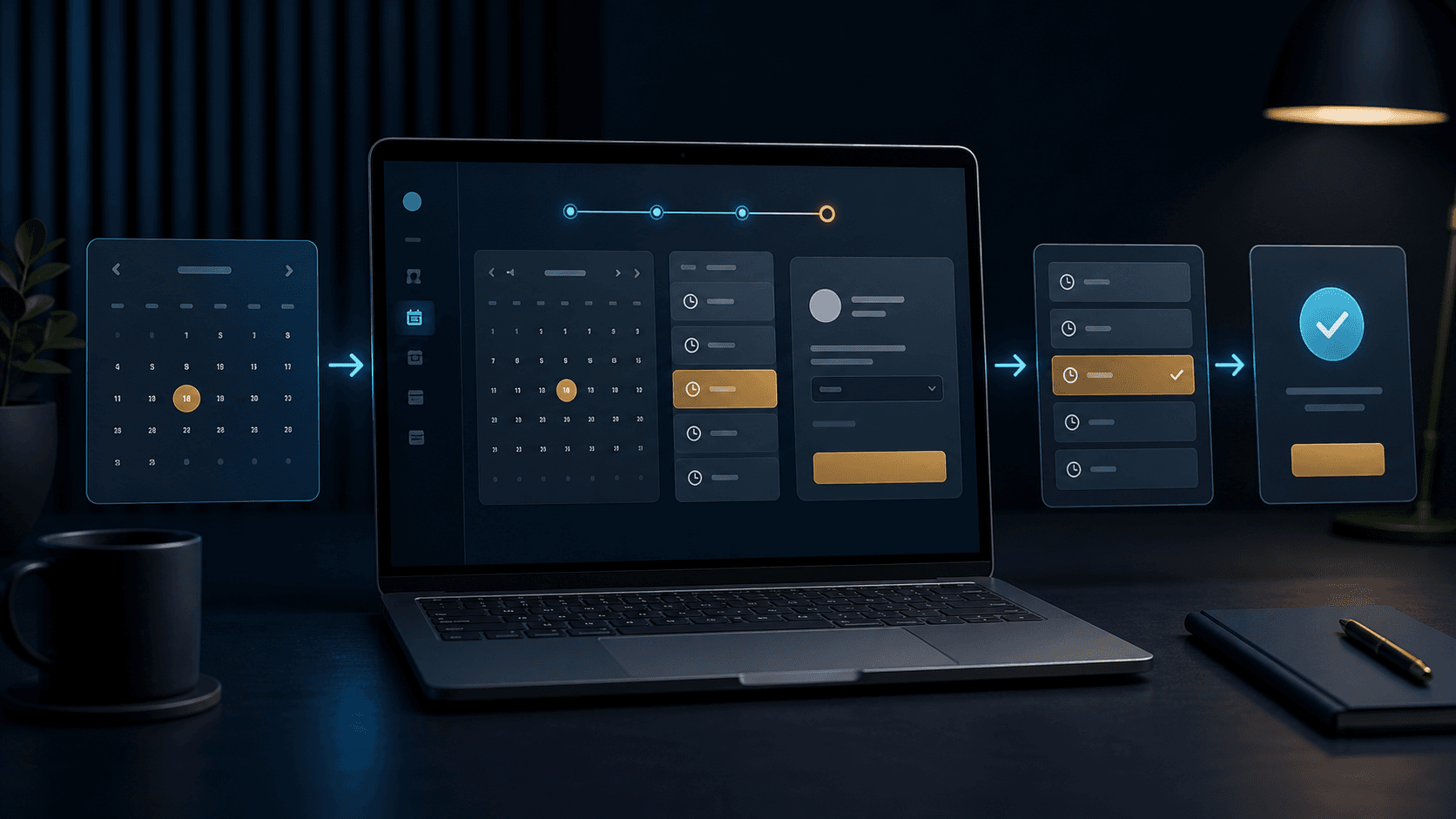
A good process guides visitors step by step: choose a service, select a time, enter contact details, confirm. The clearer this sequence is, the fewer visitors abandon the booking.
On smartphones, the calendar, time slots and buttons need to work especially well. Small fields or unclear error messages make booking unnecessarily difficult.
- Short steps instead of one long form page
- Clearly visible free time slots
- A clear confirmation after submission
- Automatic notifications both internally and externally
Which mistakes make appointment booking unreliable
A booking feature can save work, but it can also create new problems. If times are not up to date, confirmations are missing or nobody internally sees the appointment, the result is more effort than before.
That is why not only the interface should be planned, but also what happens afterwards: Who receives the booking? How are cancellations handled? What happens when something changes?
- Outdated availability
- No automatic confirmation
- Unclear internal responsibility
- Too many required fields before booking
How Digital Vision integrates bookings
Digital Vision first checks whether a booking, an enquiry or a combination of both makes sense. The process is then designed so that visitors can book quickly and the company keeps an internal overview.
If needed, appointment booking can be connected to forms, confirmations, calendars or an admin area.